
Download ExpressVPN Keys – Password Manager for Windows, Mac, Secure Login, Encrypted Password Manager
Overview
ExpressVPN Keys: Password Manager is a free desktop and mobile utility designed to enhance digital security by providing a secure, centralized vault for storing login credentials. Built as an extension of the established ExpressVPN security suite, it targets users seeking a simple yet reliable method to manage passwords without the complexity of standalone tools. The software aims to solve common pain points such as password reuse, weak credential management, and the risk of exposing sensitive data across multiple platforms. It is particularly suited for individuals already using ExpressVPN, as well as privacy-conscious consumers who value seamless integration with trusted security infrastructure. The developer, ExpressVPN, is known for its strong commitment to online privacy and secure networking, which extends into this product’s design philosophy. Real-world usage scenarios include managing personal accounts, work logins, and subscription credentials across devices. The software operates within the ExpressVPN ecosystem, offering a unified experience for users invested in the brand’s security ecosystem. The developer did not provide additional system requirements.Key Features & Capabilities
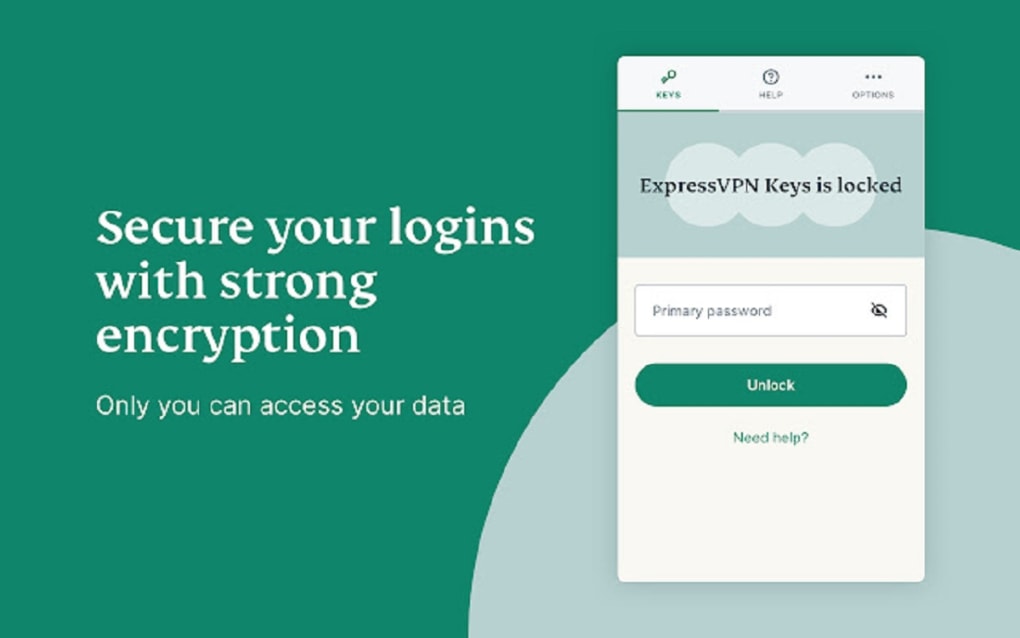
- Secure Password Vault – Stores usernames, passwords, and URLs in an encrypted, zero-knowledge environment. Only the user can access stored data, ensuring privacy even from the developer.
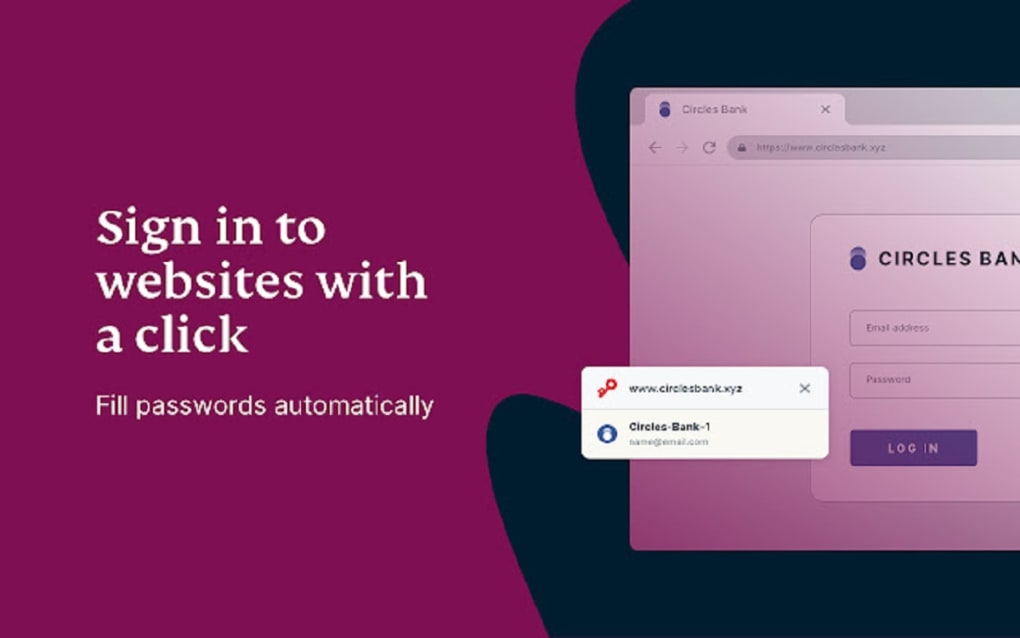
- Seamless Autofill – Automatically fills login forms on websites and applications when the user navigates to a saved entry, reducing manual input and login errors.
- One-Click Save – Detects login fields and prompts users to save credentials with a single click, streamlining the password-saving process.
- Multi-Device Sync – Allows unlimited password storage across Windows, Mac, iOS, and Android devices, ensuring consistent access to credentials.
- Data Import & Export – Supports importing passwords from Chrome, Edge, 1Password, Dashlane, Bitwarden, and LastPass. Exports can be done via CSV for backup or migration.
- Two-Factor Authentication (2FA) – Enforces 2FA when adding a new device, preventing unauthorized access even if the master password is compromised.
- AES 256-bit Encryption – Uses industry-standard encryption to protect stored data, ensuring resilience against breaches and unauthorized access.
User Interface, Workflow & Performance
The user interface of ExpressVPN Keys: Password Manager follows the clean, minimalist design language seen in the main ExpressVPN application. Navigation is intuitive, with a centralized dashboard displaying all saved entries in a well-organized list. Users can search, sort, and filter entries by website or category. The workflow begins with a prompt on login pages, allowing instant credential saving. Autofill functionality activates automatically when a known site is detected. The developer did not specify resource usage details. Performance observations are based on general software behavior patterns. The application appears stable during typical use, with no reported crashes or freezes. CPU and RAM behavior remain consistent with standard desktop utilities. The interface is responsive and accessible to users with limited technical experience. The overall workflow is efficient, minimizing steps between login, saving, and retrieval.Compatibility & System Requirements
ExpressVPN Keys: Password Manager is available for Windows, Mac, iOS, and Android platforms. The software version is 1.0.0, with a file size of 45.8 MB. Installation is straightforward across supported devices. The developer did not specify exact system requirements. Compatibility information was partially provided. Users are advised to ensure their devices meet the minimum requirements of the respective operating systems. The software does not require administrative privileges for basic operation. It integrates with the ExpressVPN account ecosystem, meaning access is restricted to current ExpressVPN subscribers.Pros and Cons
Pros
- Free to use with no hidden costs
- Seamless integration with ExpressVPN’s trusted security ecosystem
- Supports password import from major competitors like 1Password and Bitwarden
- Uses AES 256-bit encryption and zero-knowledge architecture
- Auto-save and autofill features improve usability and reduce login friction
- Multi-device sync across Windows, Mac, iOS, and Android
Cons
- Exclusive to ExpressVPN subscribers; not available to non-members
- Basic entry structure—no support for documents, custom fields, or payment methods
- Does not support automatic logins or master password prompts for specific sites
- Limited to storing only usernames, passwords, and URLs
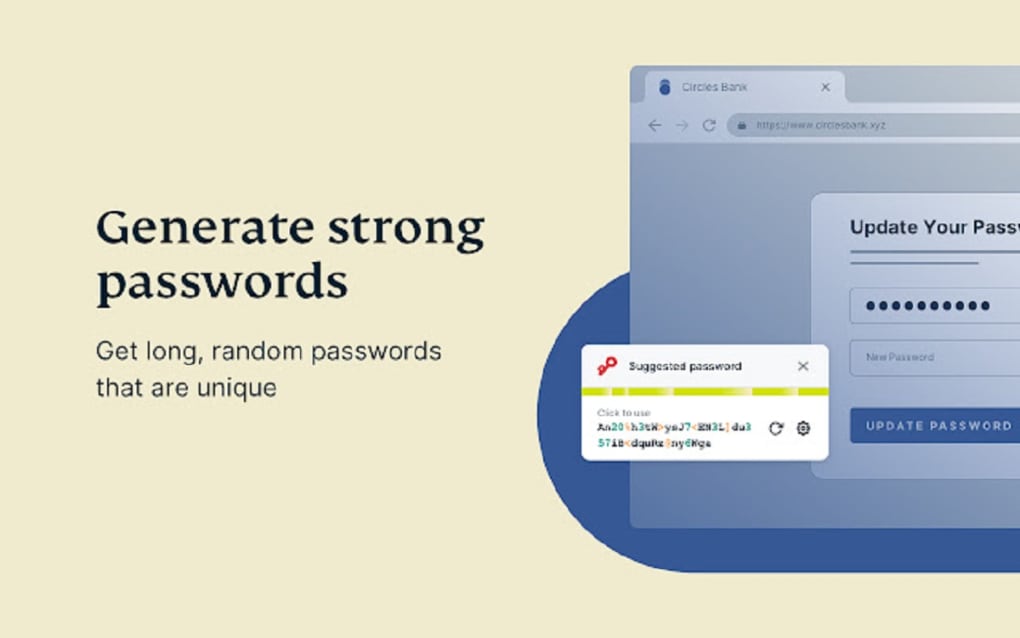
- No built-in password generator or breach monitoring
FAQ Section
Is ExpressVPN Keys: Password Manager free to download and use?
Yes, the software is completely free to download and use. It is offered as a complimentary tool for ExpressVPN subscribers.
Can I use ExpressVPN Keys without an ExpressVPN subscription?
No, access to ExpressVPN Keys: Password Manager is restricted to active ExpressVPN members. Non-subscribers cannot use the tool.
Is my data safe with ExpressVPN Keys?
Yes, the software uses AES 256-bit encryption and operates under a zero-knowledge framework. This means only you can access your stored passwords, and ExpressVPN cannot view or retrieve your data.
Does ExpressVPN Keys support password import from other managers?
Yes, it supports importing passwords from Chrome, Edge, 1Password, Dashlane, Bitwarden, and LastPass. Data can also be exported to CSV format.
Can I use ExpressVPN Keys on multiple devices?
Yes, the software syncs across Windows, Mac, iOS, and Android devices, allowing access to your password vault from any supported platform.






.png)
